Samsung Galaxy · Google Pixel
Fix your Android problem in minutes.
Plain-English, step-by-step fixes for charging, battery, storage and heat problems, with the exact settings path for your phone. Free checks first, repair shop last.

What's wrong with your phone?
Six of the most common Android problems. Pick yours and work through the guide from the top.

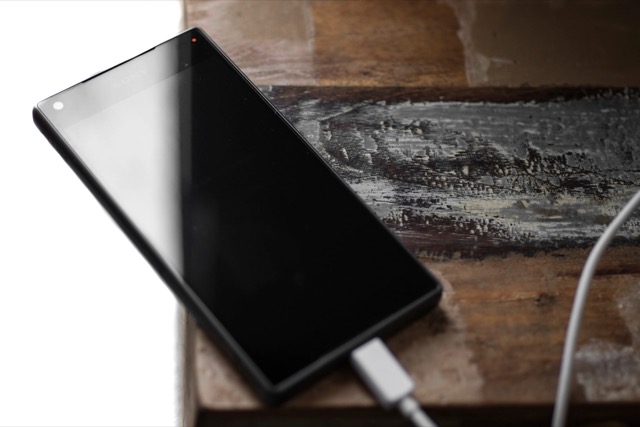
Android Phone Not Charging? 10 Fixes to Try in Order
Start with the free checks (cable, brick, port, charge limits) and work up to hardware. Samsung and Pixel settings paths included.
Read the guide
Android Battery Draining Fast? 9 Settings to Check
Find out what is using the power first, then fix the screen, background apps and signal settings that cause most battery drain.
Read the guide
How to Free Up Storage on Android Without Losing Photos
Empty the trash folders, clear caches and remove downloads first. Then move backed-up photos off the phone, in that order.
Read the guide
Android Phone Overheating? Causes and Safe Ways to Cool It
Warm is normal during charging, gaming and navigation. Here is how to cool a hot phone safely, find the cause and spot a real fault.
Read the guide
Do You Need Antivirus on Android? What Protects You
Android already scans your apps. Check these built-in settings first, then decide whether a security app adds anything for you.
Read the guide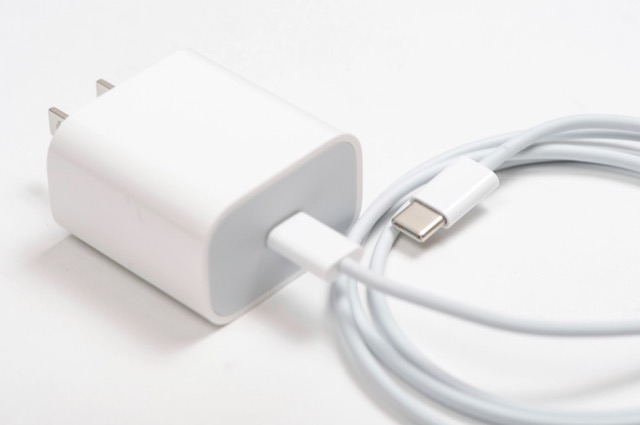
How to Choose a USB-C Charger for a Galaxy or Pixel Phone
Wattage alone won't get you fast charging. Here is what PPS, cable ratings and safety marks mean, and how to match a charger to your phone.
Read the guideHow we write our guides
AndroidCare is a small independent site. Here is what you can expect from every fix we publish.
Cheapest, safest step first
Every fix starts with free checks that risk nothing, and works up to the ones that cost money or data.
The exact settings path
We give the menu path and say where Samsung One UI and Pixel differ, noting the software version where it matters.
Checked against the manufacturer
Paths and claims are checked against Samsung's and Google's own support pages, and we link to them.
Honest about hardware
When a problem is a worn battery or a failed port, we say so and point you to a repair, not another app.
Buying guides explain what to look for from published specs and charging standards. We have not lab-tested products and do not claim to. There are no affiliate links on this site today; if we add them, a commission will never decide what we recommend. More about us · Disclosure

Not sure where to start?
Browse every guide, grouped by fixes, buying guides and security.